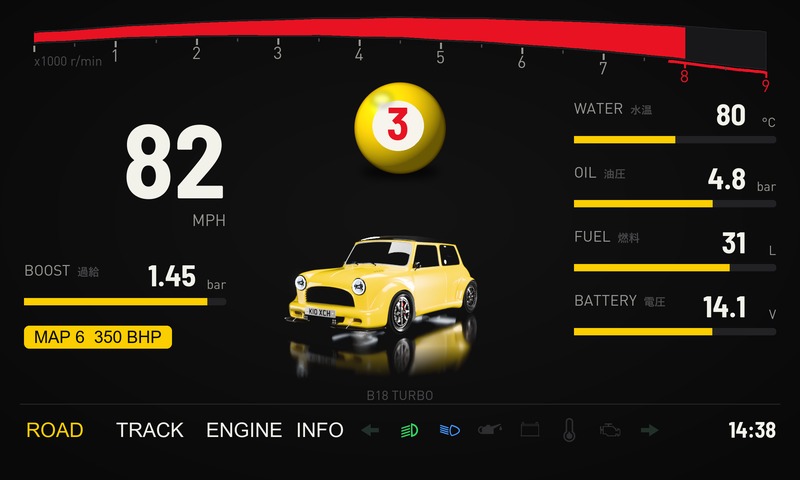
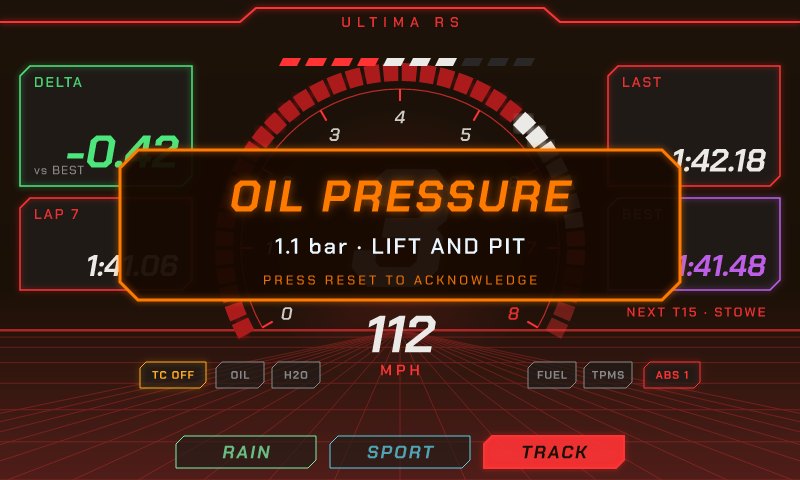
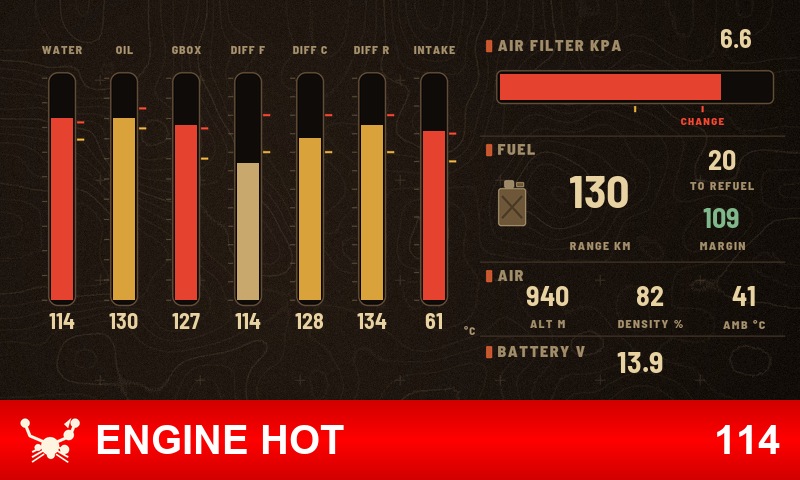
With Internal Display (using Display Creator) selected, the Dash Manager configuration is still sent to the display. Display Creator gets its channels from the DBC that Dash Manager generates when you save.
| What you want | Where it’s set |
|---|---|
| Shift points, by RPM or by gear | Dash Manager: Shift Lights |
| LED colours and patterns, including a warning light | Dash Manager: Shift Light Module |
| Alarm conditions, messages and priority | Dash Manager: Alarms |
| Shift cue and alarm banner on screen | Display Creator, using channels from the DBC |
If the LEDs are wrong, I start in Dash Manager. If the LEDs are right but the screen isn’t, I start in Display Creator. The Dash Manager and Display Creator guide explains the split between the two programs more generally.